Creating Meeting Types
Set up different types of meetings for your clients to book, with custom durations, descriptions, and settings.
Navigate to Meetings
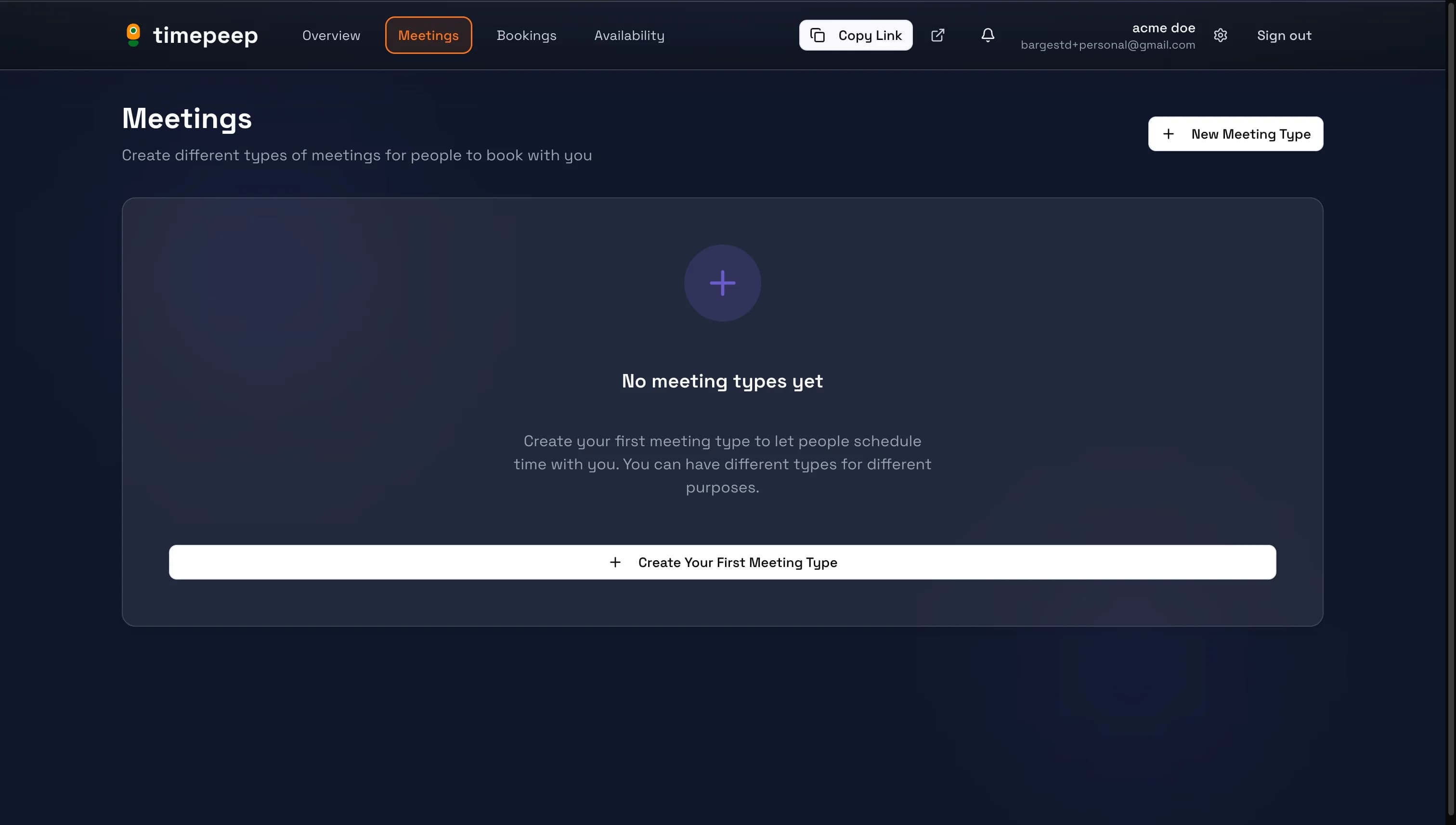
From your dashboard, click "Meetings" in the navigation bar to go to your meeting types page.
Click Create Meeting Type
Click the "New Meeting Type" button or "Create Your First Meeting Type" to open the creation dialog.
Fill in Meeting Details
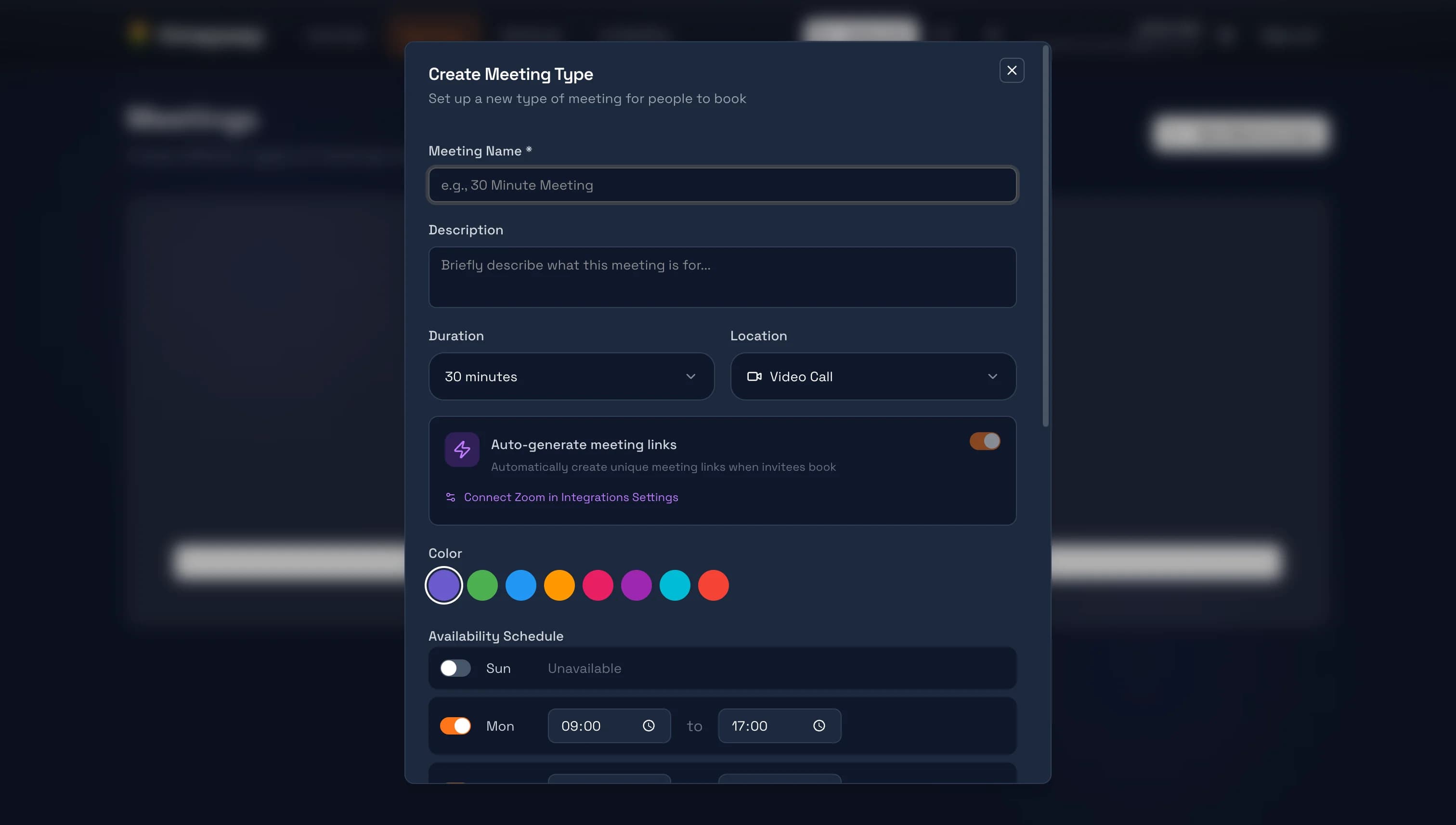
Enter a name for your meeting (e.g., "30 Minute Consultation"), add a description explaining what the meeting is for, and choose the duration and location type.
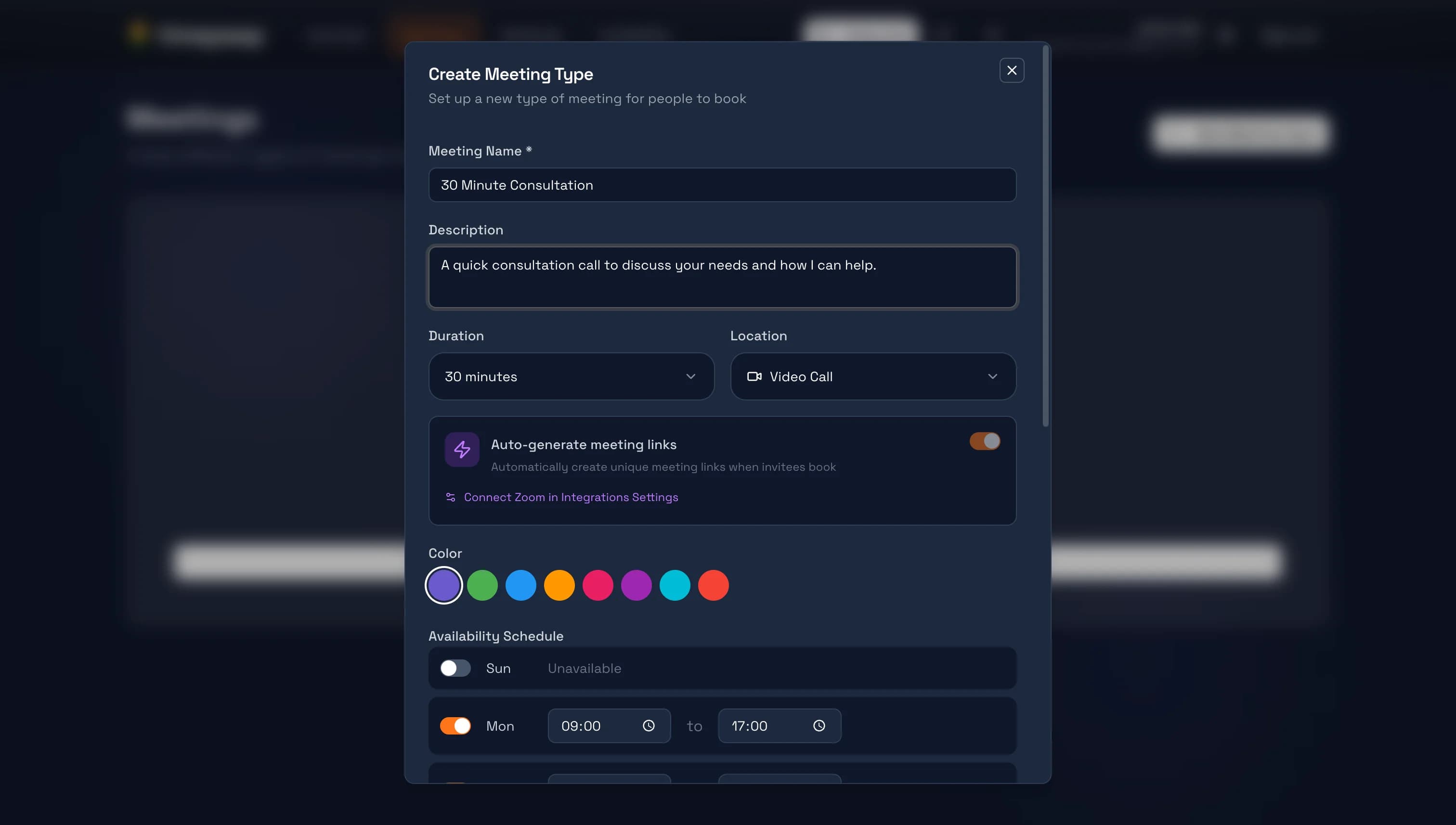
Write a clear description to help clients understand what to expect from the meeting.
Configure Availability
Set which days and times this meeting type is available. You can customize the schedule for each meeting type or use your default availability.
Save Your Meeting Type
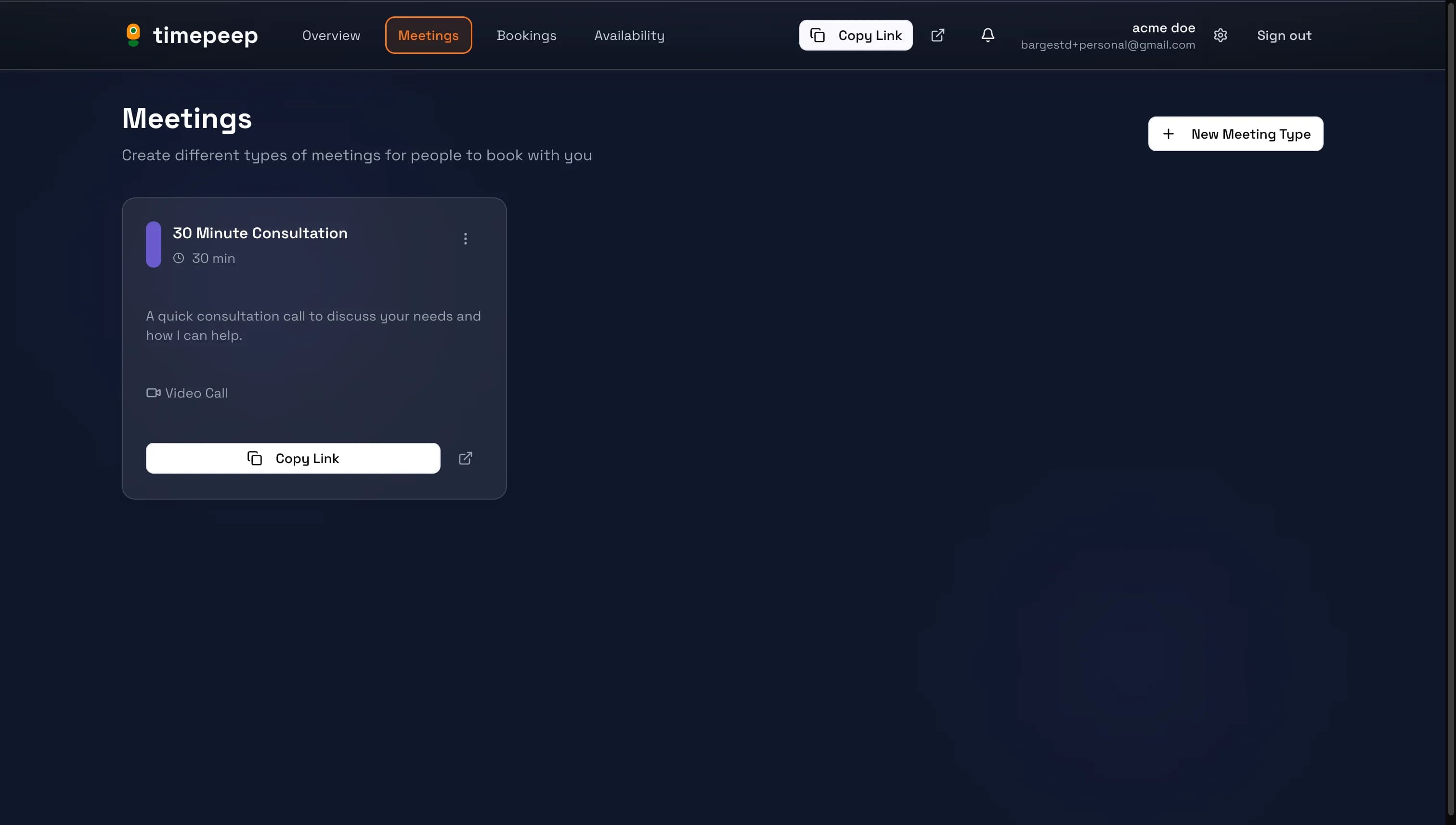
Click "Create" to save your meeting type. It will now appear on your meetings page and be available for clients to book.
You're all set!
You've completed this guide. Check out the related guides below to learn more.