Account
Signing In to Your Account
How to access your timepeep account and what to do if you forget your password.
3 steps
1
Go to the Sign In Page
Visit timepeep.com and click "Sign In" in the top navigation bar, or go directly to timepeep.com/auth/signin.
2
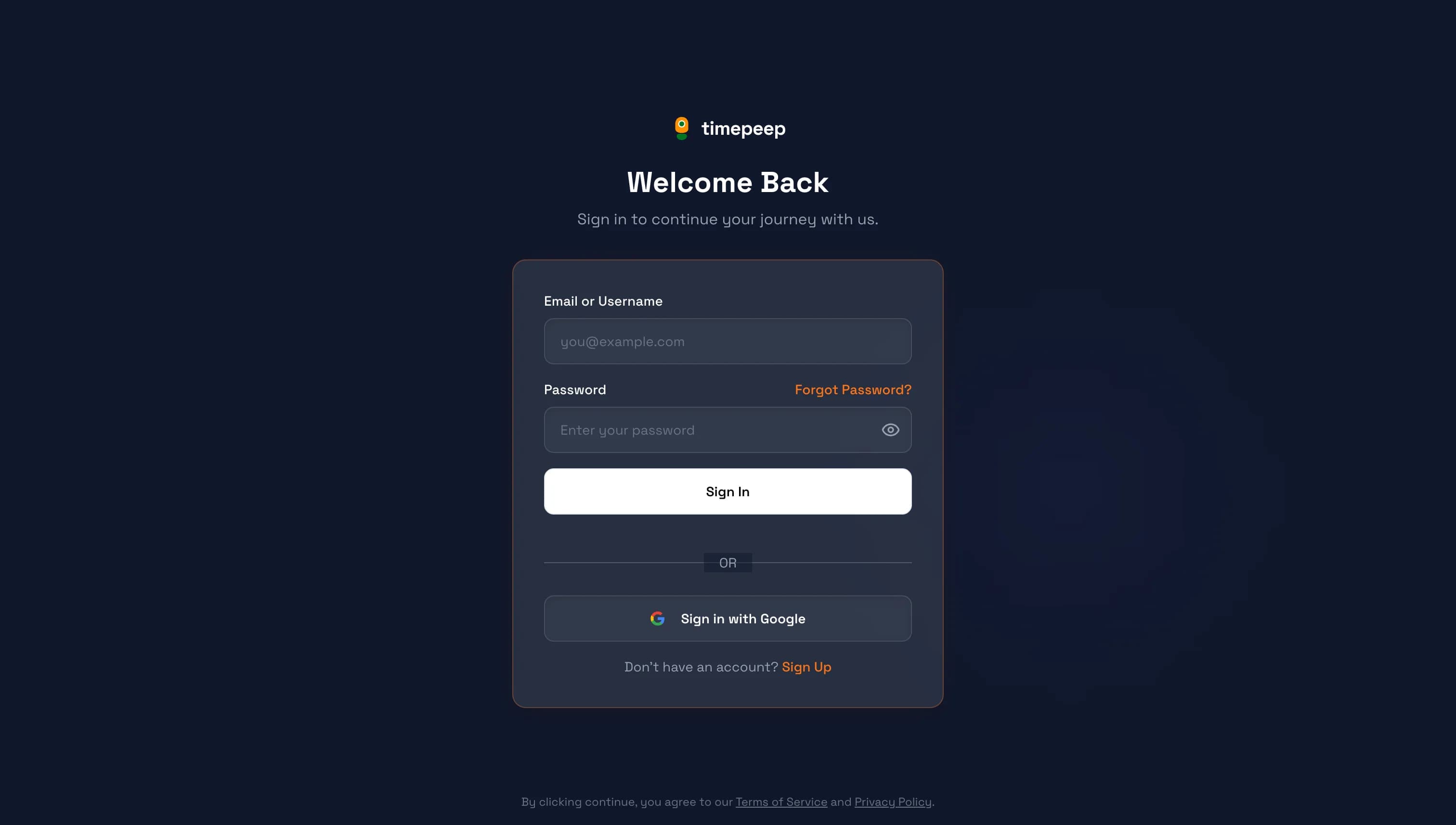
Enter Your Credentials
Enter your email address or username and your password. Click "Sign In" to access your account.
You can also sign in with Google if you created your account using Google.
3
Forgot Your Password?
Click "Forgot Password?" to receive a password reset link via email. Follow the instructions in the email to create a new password.
You're all set!
You've completed this guide. Check out the related guides below to learn more.